Blog > Why Printer Ink Runs Out Faster Than Expected
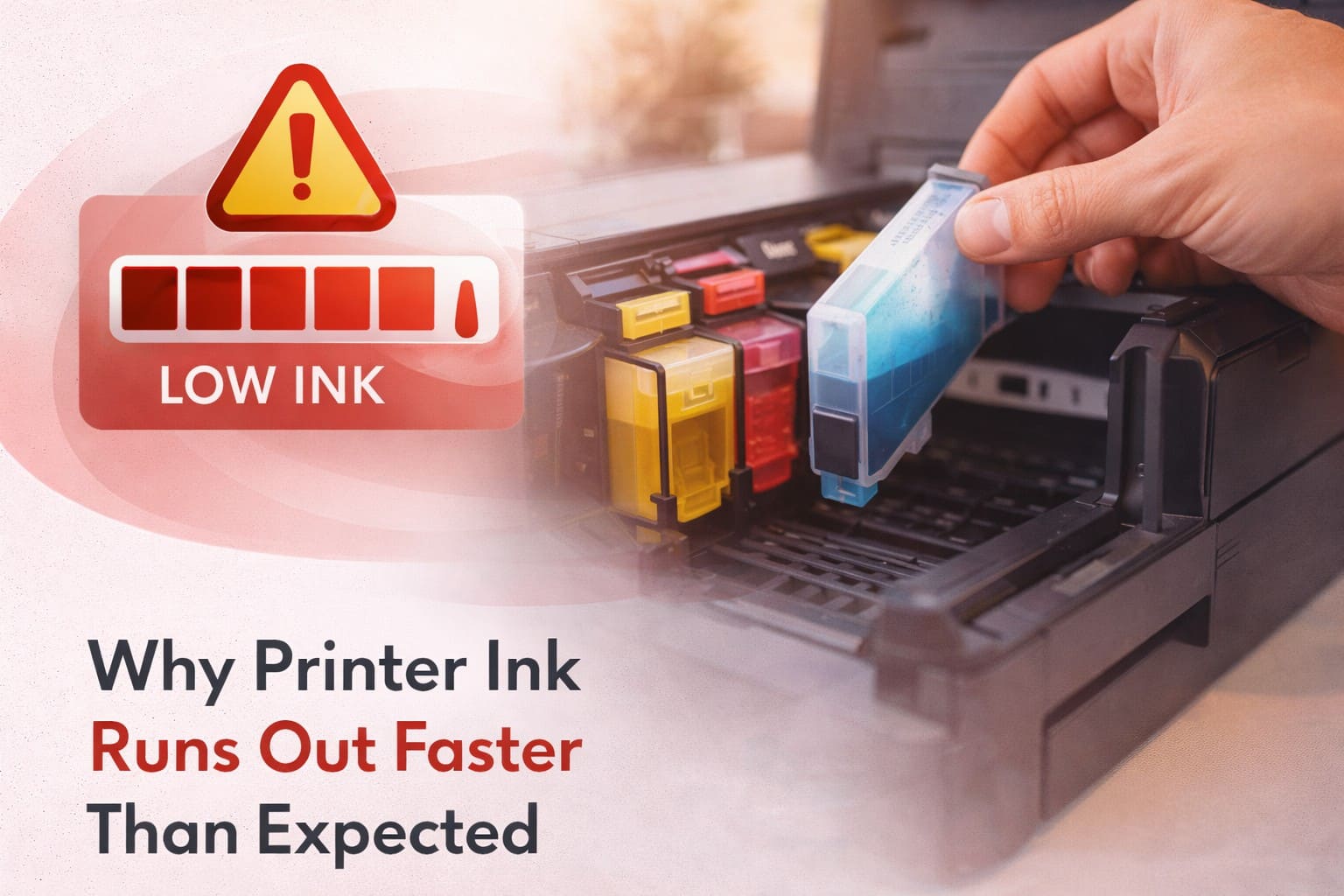
Many printer users are surprised when ink cartridges run out sooner than anticipated. Whether you print occasionally at home or manage high-volume tasks in an office, frequent cartridge replacement can become frustrating and expensive. While it may seem like a manufacturing issue, rapid ink depletion is often influenced by printing habits, settings, maintenance cycles, and document types.
In this comprehensive guide, we explain the most common reasons why printer ink runs out faster than expected and provide practical strategies to extend cartridge life without compromising print quality.
Inkjet printers spray microscopic droplets of liquid ink onto paper to create text and images. Ink is consumed not only during active printing but also during maintenance cycles such as printhead cleaning and alignment. Even when not printing frequently, your printer may use small amounts of ink to maintain performance.
Using “Best,” “High Quality,” or photo printing modes significantly increases ink consumption. Higher resolution (DPI) settings require more ink to produce sharper details and vibrant colors.
Solution: Use “Standard” or “Draft” mode for everyday documents. Reserve high-quality settings for professional reports or photo prints.
Printing in color—even for simple documents—uses multiple ink cartridges simultaneously. Many documents include colored logos, hyperlinks, or graphics that increase ink usage.
Solution: Switch to grayscale or black-and-white printing when color is not essential.
Inkjet printers periodically clean printheads to prevent clogging. These automatic maintenance cycles consume ink, especially if the printer is turned on and off frequently.
Solution: Avoid repeatedly powering the printer on and off. Keep it on if used daily to reduce excessive cleaning cycles.
Photos, graphics-heavy documents, and marketing materials require significantly more ink than simple text pages. Even a single high-resolution image can use more ink than multiple text-only pages.
Solution: Resize or compress images before printing. Print draft previews before final high-quality copies.
Printing one or two pages at a time can be less efficient. Each print session may trigger a minor maintenance cycle, consuming additional ink.
Solution: Batch multiple documents together and print them in a single session whenever possible.
Bold fonts, large text sizes, and dense graphics require more ink coverage. Background shading and decorative elements also increase ink usage.
Solution: Use standard fonts, avoid unnecessary background colors, and minimize decorative elements in documents.
Some printers use small-capacity cartridges designed for light usage. These may appear to run out quickly compared to high-yield cartridges used in business-class printers.
Solution: Consider upgrading to high-yield (XL) cartridges if supported by your printer model.
If a printer is not used regularly, ink may dry within the cartridge or printhead, requiring additional cleaning cycles and leading to faster depletion.
Solution: Print a test page at least once a week to keep ink flowing and prevent clogging.
Outdated drivers or firmware may misreport ink levels or operate inefficiently.
Solution: Keep printer firmware and drivers updated to ensure accurate ink monitoring and optimized performance.
✔ Use draft mode for everyday printing
✔ Print in grayscale when possible
✔ Avoid unnecessary power cycling
✔ Use high-yield cartridges
✔ Maintain regular but moderate usage
✔ Optimize document formatting
If you frequently print large volumes of text documents, a laser printer may be more cost-effective. Laser printers use toner instead of liquid ink and generally offer lower cost per page for high-volume printing.
Rapid ink depletion is usually influenced by printing habits, quality settings, and maintenance cycles rather than defective cartridges. By adjusting settings and optimizing document design, you can significantly extend cartridge life and reduce printing expenses.
A well-maintained printer combined with efficient printing practices ensures consistent output quality while keeping operational costs under control—whether in a home setup or a professional office environment.