
Blog > Inkjet vs Laser Printers
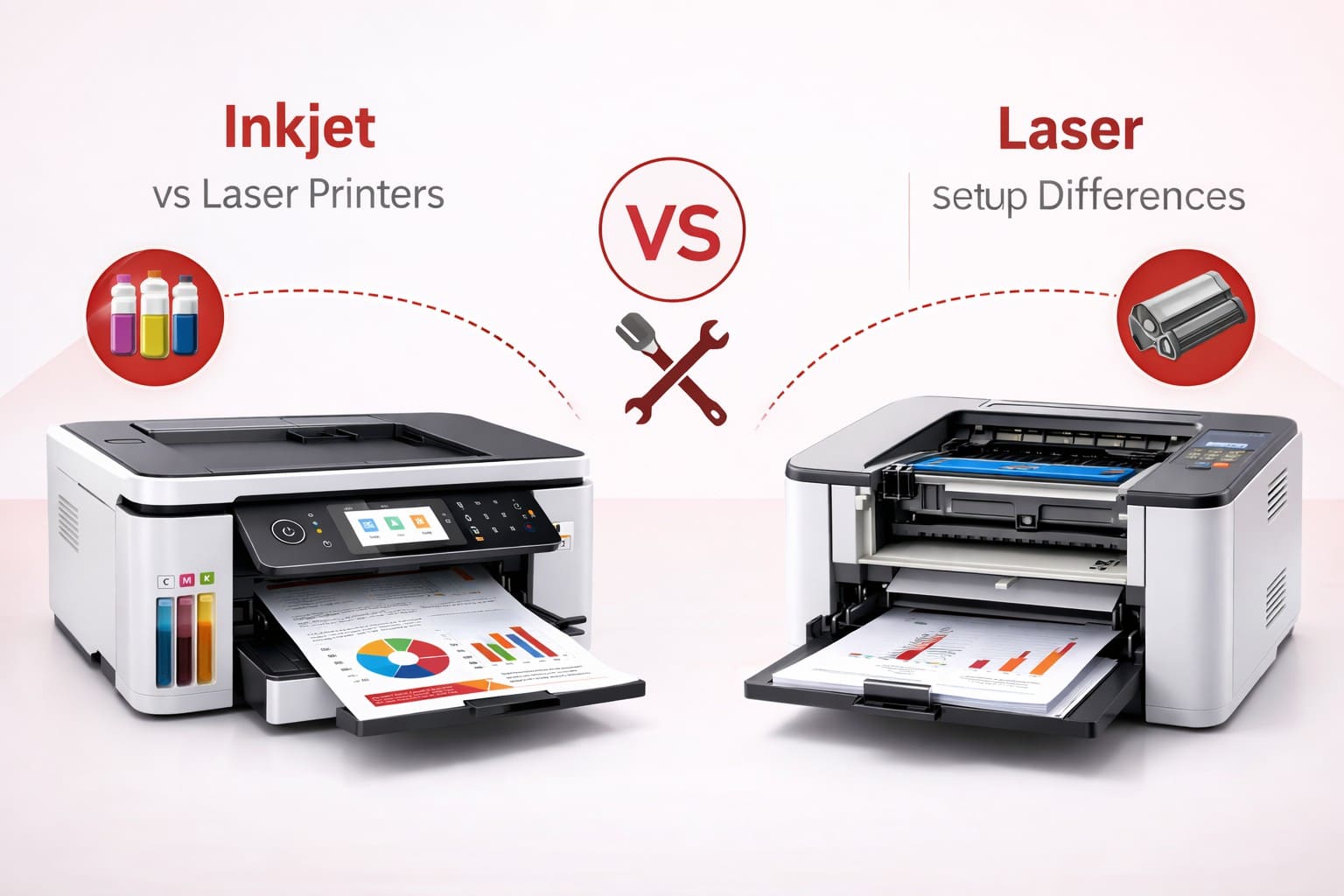
Choosing between an inkjet and a laser printer is one of the most common decisions for home users and businesses. While both devices perform the same core function—printing documents—their setup process, installation requirements, maintenance needs, and performance characteristics differ significantly. Understanding these differences will help you select the right printer for your environment and ensure a smooth installation experience.
In this detailed guide, we explain how inkjet and laser printers differ in terms of setup, connectivity, configuration, and long-term usability.
Before exploring setup differences, it is important to understand how each printer type works.
Inkjet printers spray microscopic droplets of liquid ink onto paper. They are typically compact and ideal for color printing and photo output.
Laser printers use toner powder and a heated fuser unit to bond text and images onto paper. They are designed for high-speed, high-volume printing and are commonly used in office environments.
Inkjet printers are generally lighter and more compact, making them easier to unbox and position. Setup typically involves installing ink cartridges, loading paper, and running an alignment test.
Laser printers are often larger and heavier. During setup, users must install toner cartridges and sometimes remove internal packaging materials that protect the drum and fuser assembly. Because of their size, laser printers require more desk space and proper ventilation.
Inkjet setup includes installing multiple ink cartridges (usually black and color cartridges). These require alignment calibration to ensure accurate color and text quality.
Laser printers use toner cartridges, which are generally easier to install and less prone to leakage. However, some models include separate drum units that may require careful installation during setup.
Both printer types require driver installation, but inkjet printers often include additional software for photo editing, scanning, and wireless configuration.
Laser printers, particularly business-class models, may require more advanced driver packages that include network management tools and administrative controls for shared office environments.
Inkjet printers are commonly designed for home Wi-Fi environments. Many models support mobile printing apps and quick wireless setup using smartphone integration.
Laser printers frequently support Ethernet connections in addition to Wi-Fi. In office setups, administrators may configure IP addresses manually, enable secure network protocols, and integrate printers into centralized management systems.
Inkjet printers typically start printing immediately after receiving a command. However, they may print more slowly overall, especially when producing color documents.
Laser printers require a short warm-up period to heat the fuser assembly. Once warmed up, they print significantly faster than inkjet models, making them ideal for bulk printing.
Inkjet printers require more frequent cartridge replacements and periodic printhead cleaning. If unused for long periods, ink can dry and clog nozzles.
Laser printers generally require less frequent maintenance. Toner cartridges last longer, and there is no risk of ink drying. However, laser models may require periodic drum replacements.
Inkjet printers consume less power and are suitable for small desks or home offices.
Laser printers consume more electricity, especially during warm-up. They are better suited for business environments where higher volume printing justifies energy use.
Inkjet printers typically have lower upfront costs, making them appealing for personal use. However, ink replacement costs can accumulate over time.
Laser printers usually have higher initial purchase costs but lower cost per page, making them economical for offices with frequent printing needs.
Choose an inkjet printer if:
• You print occasionally
• You require high-quality photo output
• You have limited space
• You prefer lower upfront cost
Choose a laser printer if:
• You print high volumes regularly
• You need fast black-and-white documents
• You operate in an office environment
• You want lower cost per page over time
Both inkjet and laser printers offer reliable performance when properly installed and configured. The key difference lies in setup complexity, speed, long-term maintenance, and usage environment.
By understanding how each printer type differs in installation and configuration, you can make an informed decision that aligns with your printing needs—whether for home use, small business operations, or large office environments.